
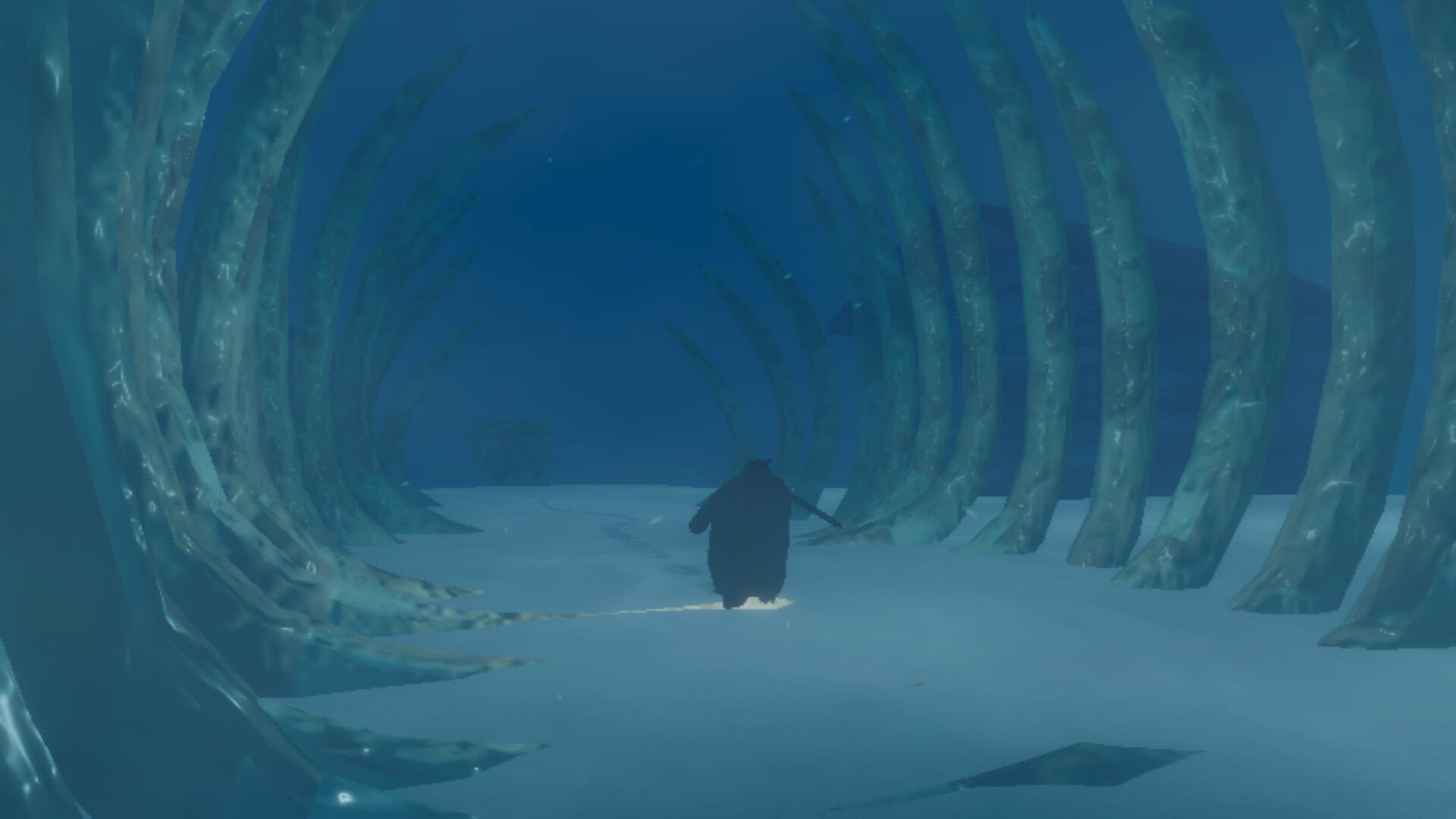
Keyboard and gamepad are supported input options
The official store lists both a keyboard-only option and full controller support. The collected app data also records a gamepad recommendation. These declarations establish input support without requiring a guess based on how a video appears to have been played.
A recommendation does not make the keyboard option disappear. Equally, support for a device family does not provide the physical mapping of every action. This page keeps those questions separate so that a supported input method is not mistaken for an authenticated layout.
Movement actions described in demo coverage
Game Informer describes waddling, belly sliding, swimming and hopping in the demo. These are the kinds of movement observed in that published session. They provide a useful vocabulary for understanding what players mean when discussing traversal.
The report does not establish a complete table assigning those actions to particular keyboard keys or controller buttons. Copying a familiar layout from another PC game would not resolve that gap. The supported answer is about the actions that were observed, with their exact bindings left to the installed build’s control information.
Switching penguins is part of the documented experience
The same firsthand demo account describes changing between penguins rather than using a single body throughout. It links those choices to different traversal characteristics. That makes switching relevant to a controls discussion even though the physical input used to perform it was not authenticated in the collected research.
The movement article explains the qualitative trade-offs without assigning an unverified shortcut. The exploration guide explains how different bodies relate to obstacles. Together they supply context for the action while preserving the distinction between understanding a system and knowing its exact key assignment.
The PlayStation-controller USB qualification
The researched storefront names Xbox controllers and also lists DualShock and DualSense with USB-only support. The connection qualification is important when interpreting what support has actually been declared. It should not be rewritten as a guarantee about wireless PlayStation operation.
The controller-support page discusses that declaration in more detail. Neither page establishes custom haptic features or a particular set of rebinding options. Those would require their own current-build evidence rather than an inference from the full-support label.
Read the controls shown by your installed build
The collected research did not capture a default binding screen or a complete rebinding menu. It therefore cannot establish whether a particular action is assigned to the same physical control under every supported layout. A key table without that evidence would look more precise than the research actually is.
This is why the direct practical reference remains the prompts and settings in the version you are playing. It avoids assuming common PC keys or translating between unrelated controller labels by habit. The article can confidently identify the declared input options while leaving unverified assignments out of the answer.
Desktop input and handheld compatibility are different
A keyboard or PC-controller support statement is not a Steam Deck hardware test. The handheld has its own compatibility report, covered in the dedicated Deck article. Reading the two sources together is more informative than treating one support badge as an answer for every setup.
For the game’s physical movement context, continue with stamina or the demo walkthrough. For device families and connection caveats, continue with controller support. This controls page remains focused on documented actions and declared input support, without supplying a button map the sources do not establish.